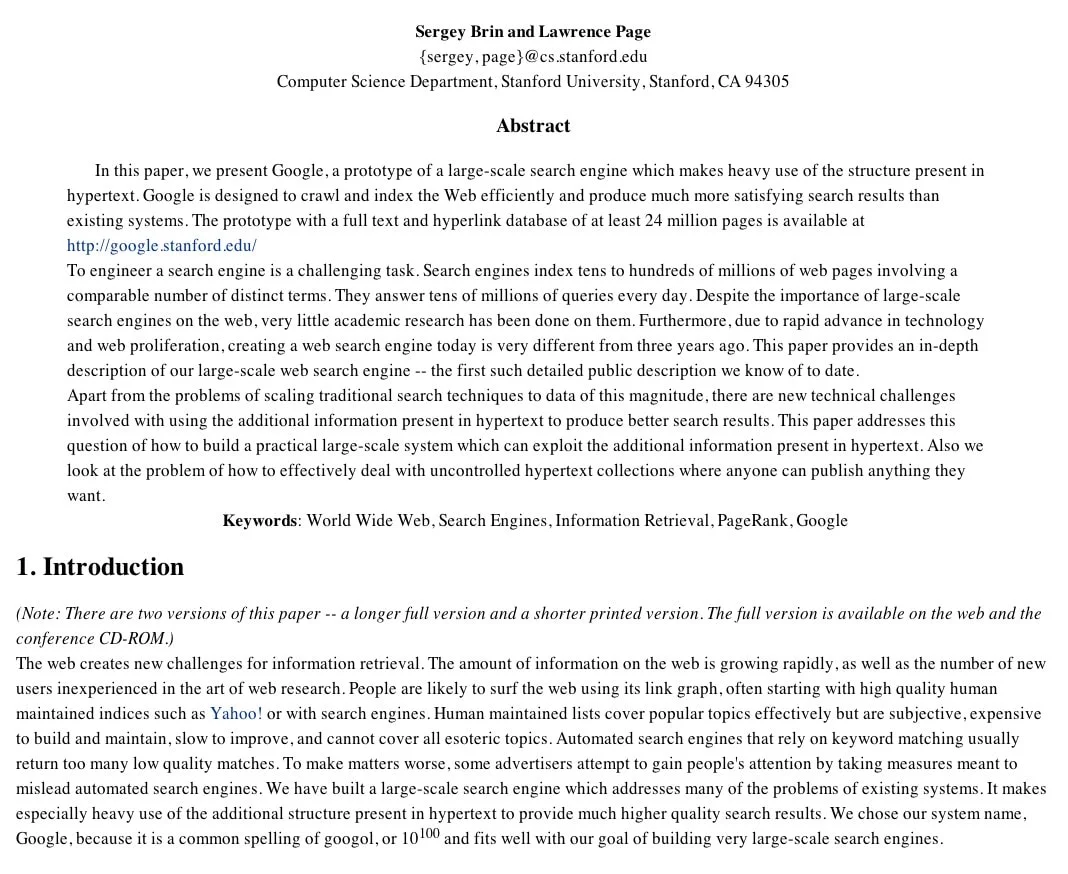
In 1998, Sergey Brin and Lawrence Page described the early Google search engine in a Stanford University paper. The Google research paper explains how pages were collected, indexed and ranked, including the role of PageRank. Those are still useful distinctions when a page on your business website is hard to find in search.
What the Google research paper explains
Original paper: Sergey Brin and Lawrence Page, The Anatomy of a Large-Scale Hypertextual Web Search Engine, Stanford University.
Think of crawling as following paths between pages and fetching what is there. Indexing is processing that material so a page can be considered for search results. Ranking is deciding what to show first for a particular search. A page can be crawled without being indexed, and an indexed page might show up well for one search and nowhere near the top for another.
The Google research paper helps explain why those problems call for different fixes. Rewriting a headline won’t repair a link that points to the wrong address. Fixing that link, in turn, won’t make the destination a better answer to a customer’s question.
Give important pages a path from your homepage
Start with a service customers actually pay for. From your homepage, see whether you can get to its page through the navigation or a relevant link on another page. For a bike shop, a link called “Bike tune-ups” tells a visitor more about the destination than “Learn more.” If the only way to reach the page is through the search box on your own site, add a regular link where a shopper would expect to find it.
The Google research paper describes a system that makes use of links between pages. On a small site, a good application is to fix links that already ought to work before you add more. Our guide to fixing broken website links explains how to deal with dead ends.
Check indexing before rewriting the page
Inspect the exact address
If you have access to Google Search Console, open URL Inspection and paste the address you want customers to land on. Make sure it is the current page, not an older address or a preview link. If it isn’t indexed, look at the status before deciding what to change. For example, if Google reports that it chose another URL as the main version, compare the two pages and check which address you actually link to.
If the trouble started when you changed platforms or reorganized your site, use this guide to SEO planning for a website redesign to check what happened to the old addresses. The Google research paper gives you the distinction between discovery and inclusion; inspection gives you evidence about a particular page.
Use PageRank as context, not a checklist
PageRank used links to help estimate the importance of a page. Links from different pages did not carry equal weight. The Google research paper describes an early system, not a formula a business can use to predict where a page will rank today.
On your own site, write the answer that belongs on the page. If someone is looking for a bike tune-up, explain what the service includes and how to book it. Off your site, focus on places customers might actually look for you, like a neighborhood business directory that keeps its listings current. Our guide to on-page and off-page SEO can help you decide which work to tackle first.
Run a short check on one page
Use the Google research paper as a reminder to diagnose the problem before choosing a fix:
- Follow a link. Open the page from your main navigation or a relevant service page and confirm you land on the correct address.
- Check the index. Inspect that exact URL and note the reported status.
- Read for intent. If the page is indexed, read it as a customer and flag any missing detail that would keep you from making a decision.
Write down what you found and make the first fix you can verify. If the same problem turns up across several pages, our Denver SEO services can help you work out what to address first.