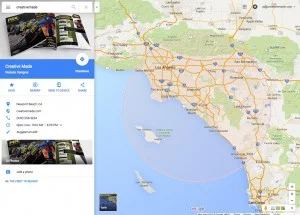
A past Google Maps ad for a San Jose business appeared on a device in Denver. The first reaction was simple: why pay to reach someone so far away?
It’s a useful question, but distance alone doesn’t answer it. Someone may be planning a trip, comparing businesses in another city or searching for a service they can buy remotely. Check the campaign before calling the impression a mistake.
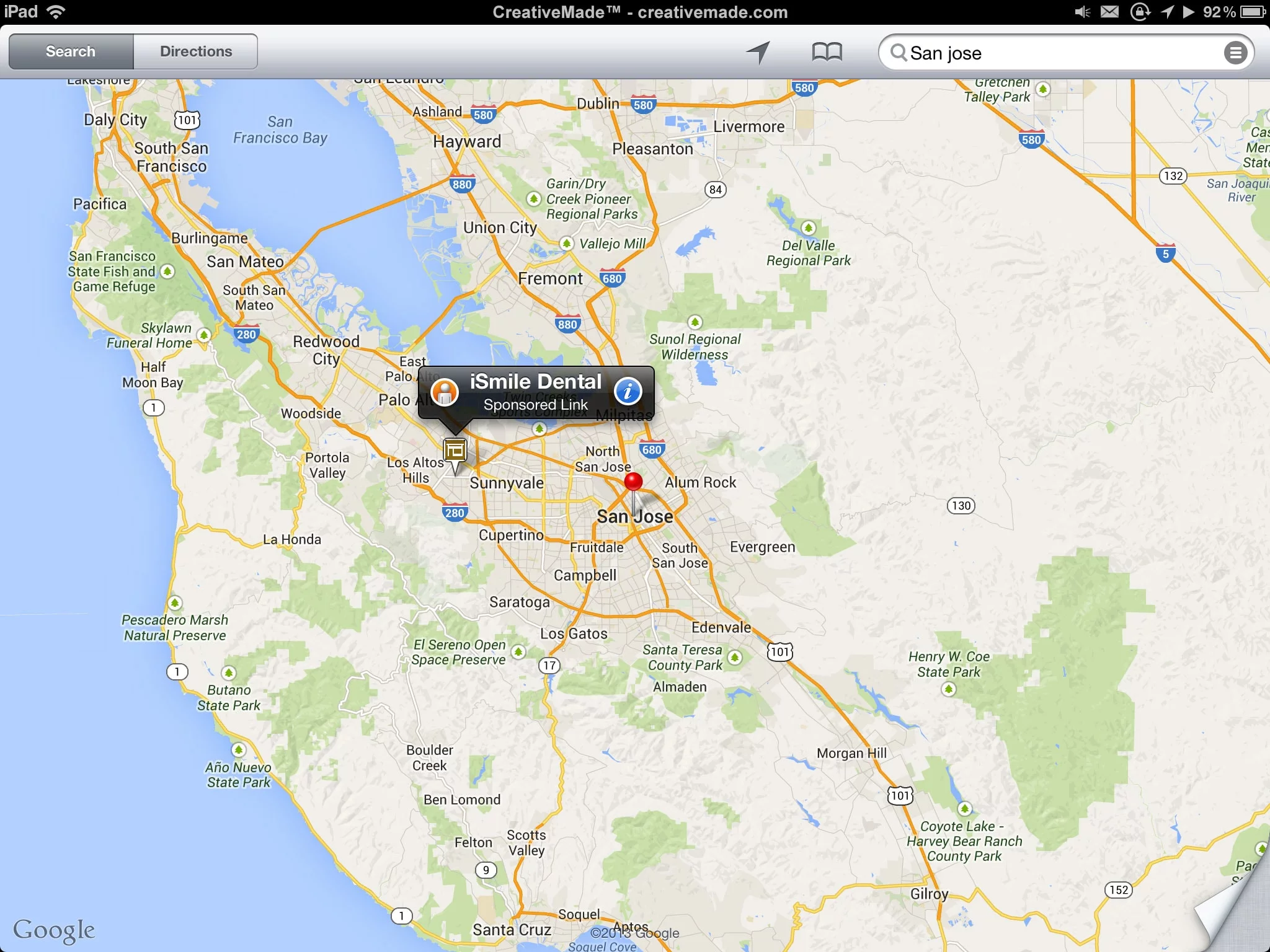
A Maps listing and a paid ad are different things
A business appearing in Google Maps isn’t necessarily paying for that appearance. A Business Profile and a paid Google Ads campaign serve different purposes. Don’t mistake visibility in an ordinary local result for evidence of advertising spend.
Start by identifying what you’re looking at: an organic business result, a sponsored placement or another search result. The next decision depends on that distinction.
Check who can realistically become a customer
For a neighborhood dental office, the practical service area matters. For a hotel, people searching from another state may be exactly the audience the business wants. The same geographic setting can be sensible for one business and wasteful for another.
Review the campaign’s included and excluded locations, its location options and the actual search terms. Pay attention to the distinction between someone’s presence in a place and their interest in it. Available controls and reports depend on campaign type.
Location detection isn’t a perfect street-address test. Don’t promise that an IP address, postal code or mobile device gives the advertiser an exact picture of where every person is standing.
Keep the numbers straight
- Click-through rate: clicks divided by impressions. It tells you how often an impression led to a click.
- Average cost per click: spend divided by clicks. It does not tell you whether those visitors became good customers.
- Conversions: the actions you’ve configured to measure. Check that they represent something useful, not just an easy button click.
- Return on investment: a business calculation that needs reliable cost and value information.
ROI isn’t a universal credit score that automatically sets your ad price. Bids, ad quality, competition and auction context matter. More clicks can still mean poor results if the inquiries are irrelevant.
Make the landing page finish the job
An ad promising a local service should lead to a page that explains that service, the actual area served and the next step. Sending everyone to a broad homepage makes the visitor do the sorting.
On a phone, check the real journey: read the offer, find the location or service-area details, call or inquire, and understand what happens next. A campaign report won’t reveal a confusing form unless someone checks the page.
Review qualified leads, not just traffic
Compare search terms, location reports and the quality of calls or inquiries over a consistent period. Make one useful change at a time so you can understand the result. A single distant impression is a clue to investigate, not a complete campaign audit.
Need help connecting the campaign and website? See our PPC advertising services. For the separate question of organic visibility, read on-page versus off-page SEO.